Steps in this chapter (4)
Part C: For TroveUniverse staff. The programme opens only when the Partner Terms page is published: complete the draft and publish it in Settings → Pages.
The portal ships with a draft of the Partner Terms written from the programme's rules. Until the page is published, Become a partner says the programme opens soon and applications are refused. Items in square brackets in the draft are decisions for TroveUniverse (payment timing, WHT wording, notice periods, courts); complete them with your lawyer.
15.1 Before publishing: the programme is closed
Why
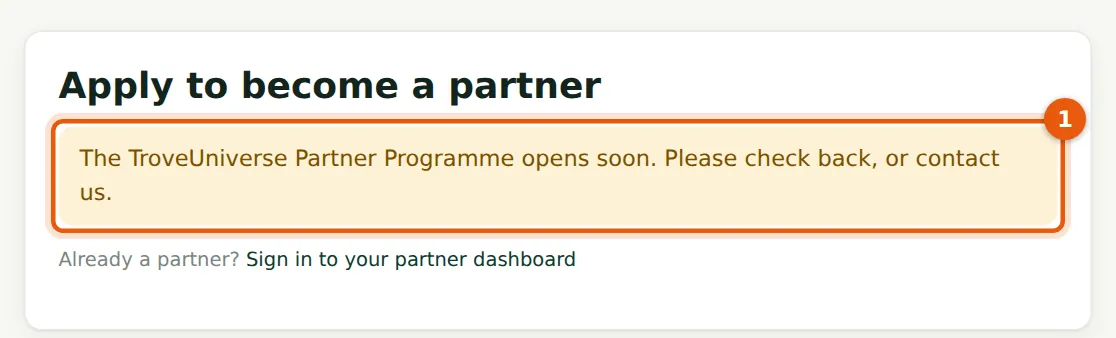
The application form is replaced by a notice (1).
Who
Anyone.
What to do
- Publish the terms (next steps) to open the programme.
15.2 Open the draft terms
Why
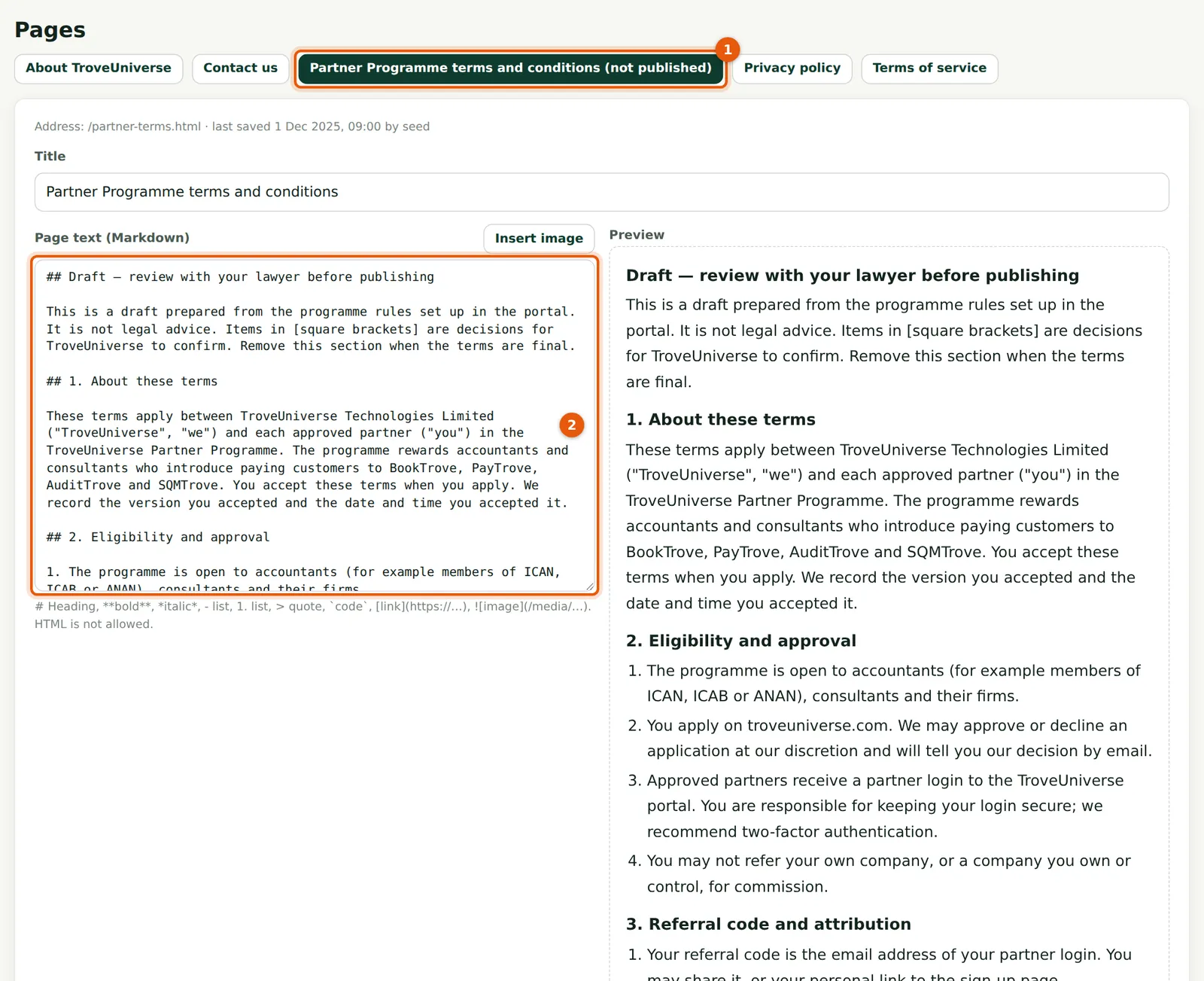
The page (1) is written in Markdown with a live preview. The draft starts with a section (2) to remove once the terms are final.
Who
Staff with Edit website content.
What to do
- Choose Pages, then Partner Programme terms and conditions.
- Remove the Draft section and complete every item in square brackets.
15.3 Publish the terms

Why
Each published text has its own version code. Applicants accept the version shown; partners who accepted an earlier version are asked to accept the new one.
Who
Staff with Edit website content.
What to do
- Tick Published (1) and choose Save page (2).
15.4 Check the programme is open
Why
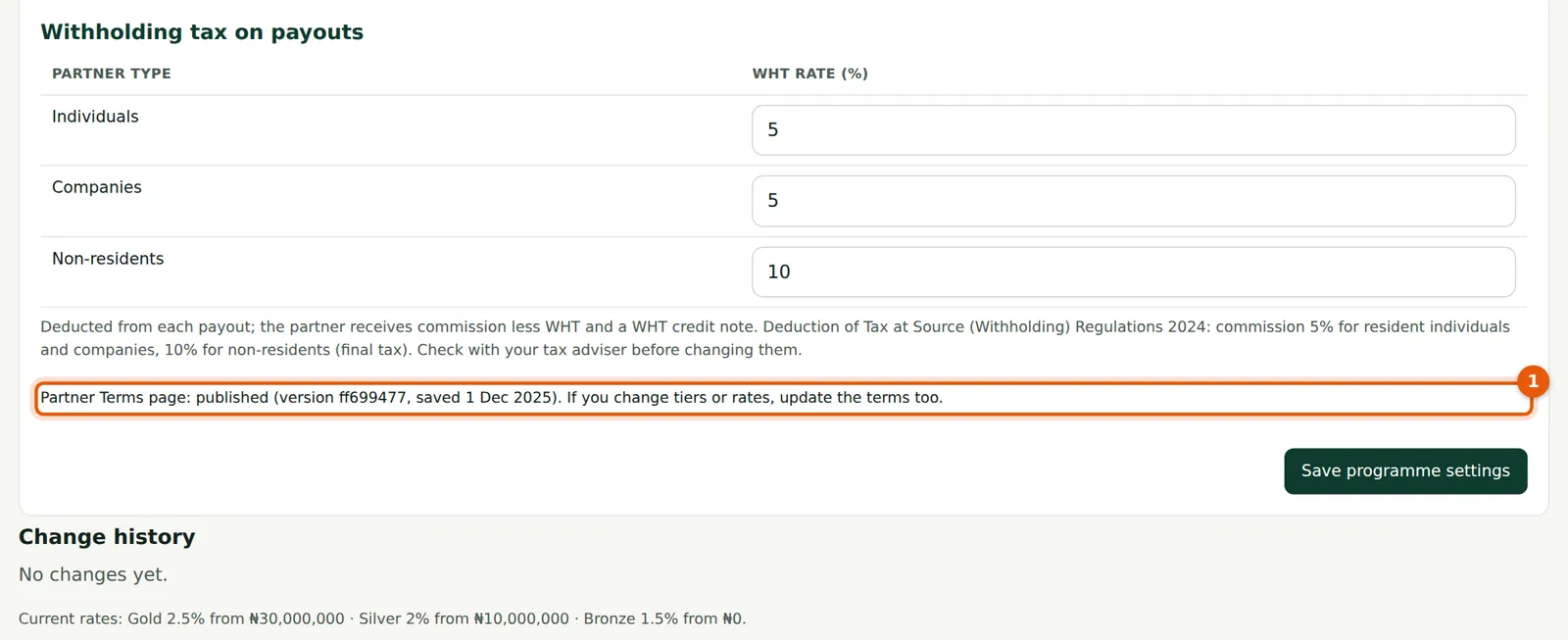
The line (1) now shows the published version.
Who
Staff.
What to do
- Open troveuniverse.com/become-a-partner.html to check the form appears.